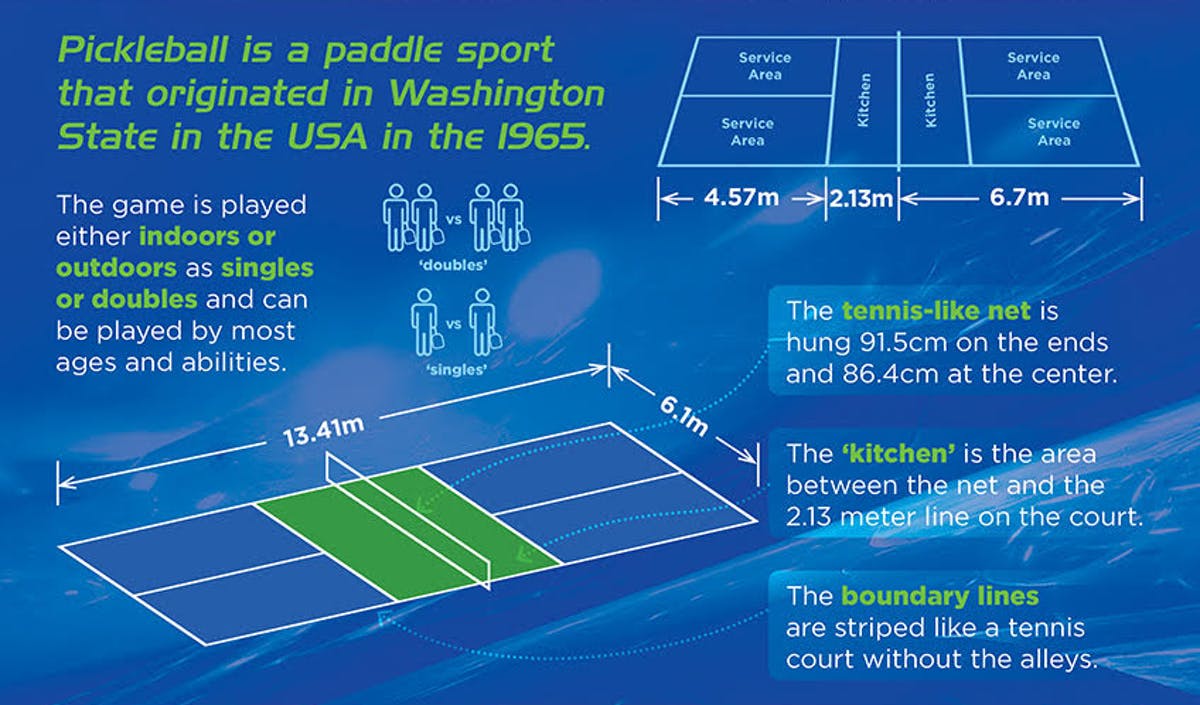
What is Pickleball?
The Rules of Pickleball
How to Play Pickleball
Serving
Each point begins with an underarm serve. The paddle must contact the ball below waist height, and the serve must be made from behind the baseline.
The server (Server 1) serves diagonally into the corresponding service court of the receiving team. The serve must clear the net and land within the correct service area, excluding the Non-Volley Zone (NVZ).
If the serve touches the net and lands in the correct service court, play continues. There are no "let" serves in pickleball.
The Double Bounce Rule
After the serve:
- The served ball must bounce before the receiver returns it.
- The return of serve must also bounce before the serving team can play it.
Once the ball has bounced once on each side of the court, players may either volley the ball or play it after a bounce.
Rallying
After the double bounce requirement has been satisfied, players may:
- Volley the ball (hit it before it bounces), or
- Allow it to bounce once before hitting it.
The rally continues until a fault is committed or the ball bounces twice on one side of the court.
The Non-Volley Zone (Kitchen)
The area extending 7 feet from each side of the net is called the Non-Volley Zone (NVZ), often referred to as the "Kitchen".
Players commonly move close to the NVZ line after the first two bounces.
It is legal to:
- Stand in the NVZ when not volleying.
- Hit a ball from within the NVZ after it has bounced.
It is not legal to:
- Volley the ball while standing in the NVZ.
- Touch the NVZ line while volleying.
- Step into the NVZ during or immediately after a volley, including through momentum or follow-through.
Change of Server
The player positioned in the right-hand service court (Server 1) serves first.
If the serving team wins the rally:
- They score a point.
- The server changes sides and serves again.
This continues until the serving team commits a fault.
The serve then passes to Server 2, who follows the same process, alternating sides each time their team wins a point.
When Server 2 faults, a side out is called and the serve passes to the opposing team.
Exception at the Start of a Game
At the beginning of each game, only one player from the first serving team serves before a side out occurs.
Scoring
Only the serving team can score points.
- If the serving team wins a rally, they score a point and continue serving.
- If the receiving team wins a rally, they do not score a point. Instead, the serve changes to Server 2 or results in a side out.
Calling the Score
Before each serve, the server announces:
Serving Team Score - Receiving Team Score - Server Number
For example:
4-5-1
This means:
- Serving team has 4 points
- Receiving team has 5 points
- Server 1 is serving
To learn more about score calling, visit: Pickleball Scoring Rules
Winning a Game
The first team to reach 11 points and lead by at least 2 points wins the game.
Faults
Service Faults
A fault occurs during a serve if a player:
- Violates any service rule
- Steps on or over the baseline while serving
- Hits the ball into the net
- Hits the ball into the Non-Volley Zone or onto the NVZ line
- Hits the ball out of bounds
- Serves into the incorrect service court
Rally Faults
A fault occurs during a rally if a player:
- Violates any service or game rule
- Allows the ball to bounce twice on their side
- Volleys before the required two bounces have occurred
- Volleys while in the NVZ
- Touches the NVZ during or after a volley
- Hits the ball into the net or net post
- Hits the ball out of bounds
- Touches the net or net post with their body, clothing, or paddle
- Allows the ball to touch any part of their body or clothing
Additional Resources
🎥 Video: Basic Introduction to Pickleball Rules
🎥 Video: Rally Analysis, Tips & Strategy with Alex Hamner
📖 Official Tournament Rulebook
Photo Credit
The featured image and attached documents "What is Pickleball?" and "How to Play Pickleball" are courtesy of Pickleball Superstore Australia.
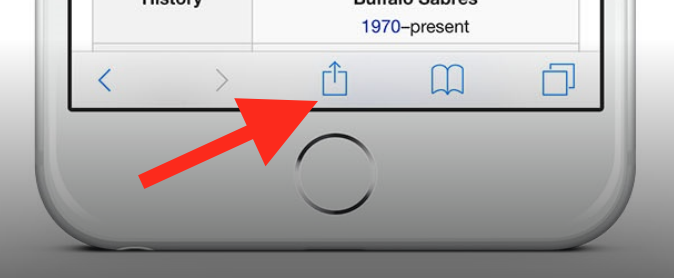
To add this web app to your homescreen, click on the "Share" icon
Then click on "Add to Home"
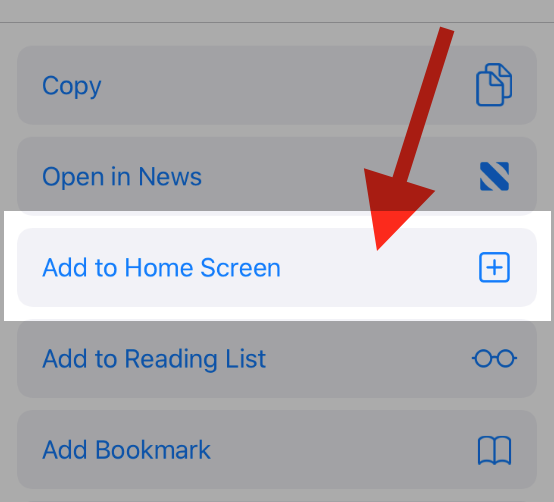
To add this web app to your homescreen, click on the "Share" icon
Then click on "Add to Home"
It looks like your browser doesn't natively support "Add To Homescreen", or you have disabled it (or maybe you have already added this web app to your applications?)
In any case, please check your browser options and information, thanks!
It looks like your browser doesn't natively support "Add To Homescreen", or you have disabled it (or maybe you have already added this web app to your applications?)
In any case, please check your browser options and information, thanks!